
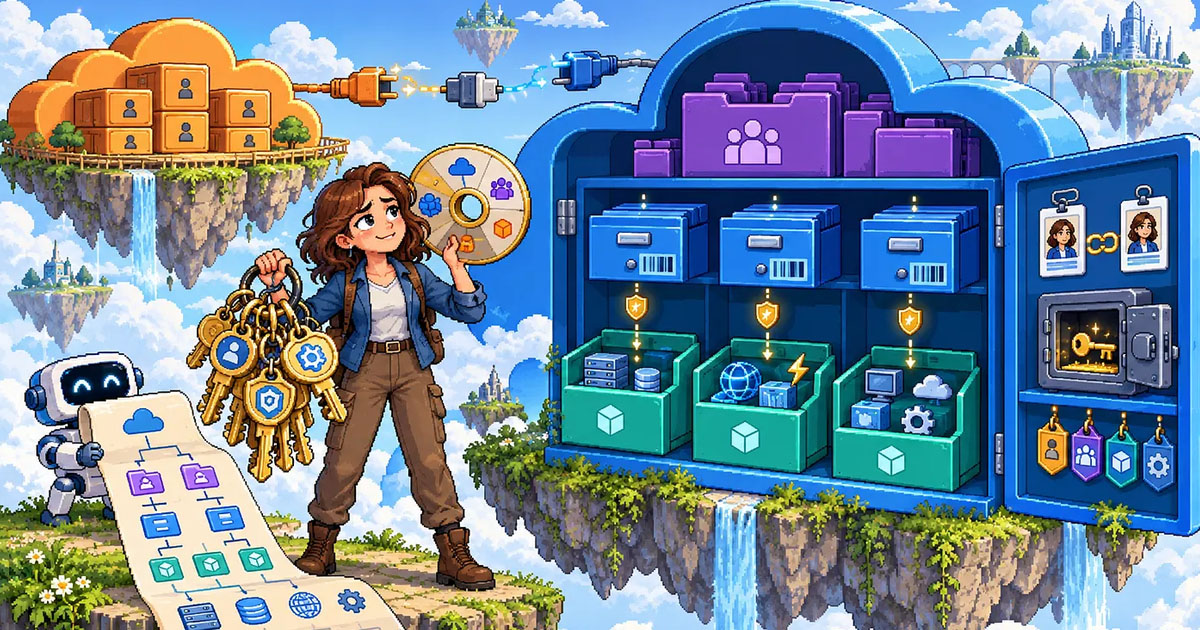
A look at some core Azure concepts, how they work, fit together, and relate to AWS concepts
It is true that at NMD, we largely operate in the AWS ecosystem, but sometimes our customers operate in a multicloud setup, and occasionally we work on Azure-native projects. As a result, I have been working a decent amount in Azure lately. While the agents have helped me set up my Terraform and operate effectively with proper prompting, I found the permission structure to be confusing, and perhaps needlessly so. I think Microsoft could do a better job demystifying their structural and permissions concepts, which may endear more engineers to them and Azure. Until that happens, in this article I am hoping to clear up the core concepts and how they relate to each other, while throwing in some tidbits about how an Azure concept translates to an AWS one.
Core Structural Concepts (in order of scope)
These concepts are listed in the order of bucket size, i.e., from broadest scope to most specific.
Generally speaking, tenant IDs, subscription IDs, resource groups, and resources describe where things live in Azure, while client IDs and secrets describe the identity an application uses to sign in.
The general structural flow is:
Tenant →(Management Group)->Subscription → Resource Group → Resource
Tenant ID
This is the highest level of access, the organizational layer. Many companies would just have one of these. This is where your organization and Entra (formerly Azure Active Directory) permissions are configured at the user, group, application identity, and directory level. Application identities live in the tenant and can be granted permission to access a subscription, resource group, or individual resource.
It is important to understand that belonging to a tenant does not automatically give you access to its subscriptions or management groups. This is why the Azure CLI can recognize your account in a tenant while also reporting that the tenant does not contain any subscriptions you can access.
When you run an az login command, you will be prompted to include a tenant ID if you have access to multiple organizations, which establishes the scope of your CLI interactions.
az login --tenant 41c96d6c-abcd-1234-abcd-1234567890ab
Management Group
Management groups are optional containers used to organize multiple subscriptions. Large organizations use them to apply policies, access controls, and governance requirements across groups of subscriptions. For a small Azure environment, you may not need to interact with them directly.
Management groups are not required and you may very well have subscripions under a management group. This concept is most similar to an organizational unit (OU) in AWS as it is a grouping of accounts that can share the same policies and Entra access.
Subscription ID
This part was the most confusing to me at first. I was puzzled by questions like: How do I decide what should go into the same subscription? Is a subscription an application boundary, a billing boundary, or an access boundary?
The answer is that it can be all three. And my understanding was also somewhat improved by understanding Management Groups better.
A subscription is a container for Azure resources and serves as a billing, governance, access-control, and quota boundary. Every subscription has a unique subscription ID and is associated with one Microsoft Entra tenant.
Resources might be placed in separate subscriptions when they have different:
- Billing owners or budgets
- Security or compliance requirements
- Administrative teams
- Environments, such as development and production
- Policies or resource quotas
However, not every application needs its own subscription. Smaller organizations might keep several applications in one subscription and separate them using resource groups. Larger organizations often use different subscriptions to create stronger boundaries between teams, workloads, or environments.
The concept of subscriptions is most similar to using different accounts in AWS. You may have a subscription for your dev environment for a particular product and another for your production environment, for example.
Resource Group
A resource group is a logical container inside a subscription. It holds related Azure resources, such as an application’s web service, database, storage account, and monitoring resources.
Resource groups are often based on a workload, application, environment, or lifecycle. If several resources are deployed, managed, and removed together, placing them in the same resource group usually makes sense.
Resource
A resource is an individual configurable Azure service instance, such as a virtual machine, storage account, virtual network, Azure Function, Key Vault, or database.
This is the most specific level of the Azure resource hierarchy.

Application Identity and Authentication
The remaining terms do not represent progressively smaller resource containers. Instead, they describe how an application identifies and authenticates itself to Azure.
App Registration
An app registration creates an identity configuration for an application in Microsoft Entra ID. This allows Entra to recognize the application and control what it is permitted to access.
When an app is registered, Azure creates an application object and, in its home tenant, a corresponding service principal. The application object describes the application, while the service principal represents that application’s identity and permissions within a particular tenant.
Application ID / App ID
The application ID uniquely identifies the registered application. Azure CLI output frequently labels this value appId.
Client ID — The client ID is generally another name for the application ID, which confused me for more time than I am proud. It is not a separate credential or a lower level in the hierarchy.
For example, an authentication configuration might contain:
Tenant ID:       Which Entra directory should authenticate me?
Subscription ID: Which Azure subscription am I trying to access?
Client ID:       Which application identity am I using?
Client Secret:   How does that application prove its identity?
The client ID is an identifier, not a secret. It can usually appear safely in configuration, although there is rarely a reason to publish it unnecessarily.
Client Secret
A client secret is a credential created for an app registration. The application supplies its client ID and client secret to authenticate with Microsoft Entra ID.
Unlike the client ID, the client secret must be protected. It should be stored in a secure location such as Azure Key Vault or a CI/CD secret store and should never be committed to source control.
Client secrets also expire. The application will no longer be able to authenticate after expiration unless the secret is rotated or replaced.
When possible, Microsoft recommends using a managed identity instead of a client secret for applications running in Azure. A managed identity allows Azure to manage the application’s credentials so that you do not have to store or rotate a secret yourself.
Password
With respect to app identity and authentication, password may simply be the name Azure CLI uses for the value of a newly created client secret. It is not necessarily your personal Microsoft or Azure password.
For example, service-principal creation might return values resembling:
{
  "appId": "application-or-client-id",
  "password": "client-secret-value",
  "tenant": "tenant-id"
}
In that output:
appIdis the application ID, also called the client ID.passwordis the client secret value.tenantis the tenant ID.
The terminology is unnecessarily inconsistent, but the most important relationship to remember is:
- App ID = Application ID = Client ID
- Password, in service-principal CLI output = Client Secret
A client secret should not be confused with a human user’s password. Applications should use managed identities, workload identity federation, certificates, or client secrets rather than storing someone’s personal Azure credentials.
Azure is a perfectly great cloud provider, and the resources are easily managed through Terraform much like they are in AWS, as long as you can understand the fundamentals. Hope this helps demystify the structural and authentication lingo and hierarchy!